

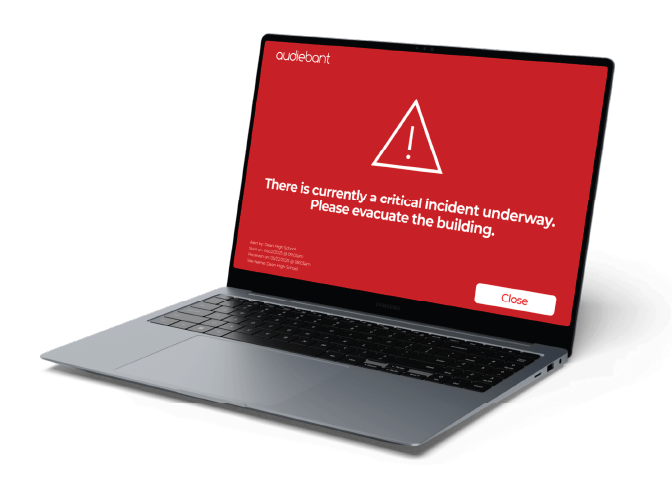
Audiescreen
Delivers instant, high-visibility alerts straight to computer desktops or connected digital screens, ensuring your critical messages are seen immediately, even in the busiest environments.
Instant visual alerts on every screen.
Bridge the gap for those in high-noise environments, using headphones, or with hearing impairments — ensuring critical information is accessible to every single person on-site.
- No confusion.
- No delay.
- No missed messages.
Built for real situations.
Emergency Communication System
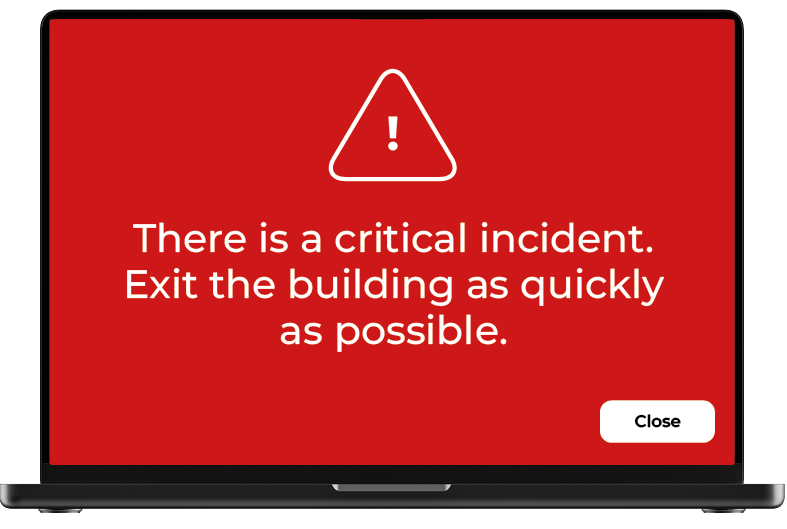
Supporting all major emergency responses:
- Total Evacuation: Where all exits are a viable choice to leave the area.
- Invacuation: Where we need to direct people into buildings.
- Directed Evacuation: Where we need to direct people away from the threat.
- Stay Put: Sometimes it's safer to keep people in place. This is called "lockdown".
- Phased Evacuation: Where we need to decant people in stages.
Daily Use Announcements
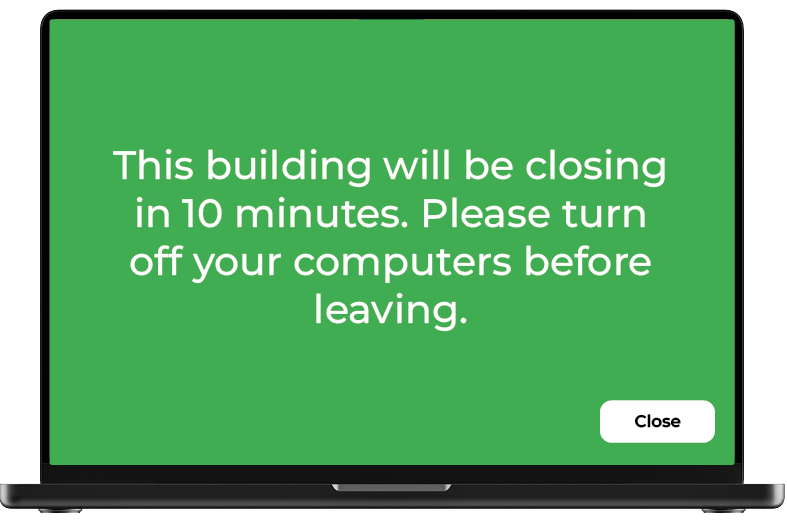
Not just for emergencies:
- Non-emergency incidents i.e. maintenance, parking
- Building closing reminders
- Coordination for large-scale gatherings or visitor days
- Behaviour and policy reminders
- Real-time updates
- Automate scheduled routine announcements
Instant Visual Alerts
Send urgent messages that appear on-screen above all other applications
Zoned Messaging
Target specific buildings, departments, or groups for accurate communication
Custom Alert Display
Choose full-screen takeover, ticker bar or smaller pop-ups based on urgency
Acknowledgement
Alerts can be tailored to request acknowledgment for adding accountability
Auto-Close Option
Alerts can close automatically if acknowledgment isn’t required
Full Admin Portal
Manage zones, devices and message delivery via full management
Multilingual Visual Alerts
Display messages in multiple languages to suit diverse teams
LDAP Integration
Lightweight Directory Access Protocol integration with existing systems
What is Audiescreen?
Audiescreen is a visual alert system that delivers instant, high visibility notifications directly to computer desktops and connected digital screens. It is designed to ensure critical messages, such as lockdowns or evacuations, are seen immediately, even in busy or high noise environments.
Which operating systems are compatible with Audiescreen?
The system is designed to work across a variety of platforms, with the ability to override all open windows on Mac, Windows, and Linux systems. There is also a dedicated Chrome browser extension to integrate with Chromebooks.
Can I target specific areas or groups with visual alerts?
Yes, through Zoned Messaging, you can target alerts to specific buildings, departments, or custom groups. This ensures the right people receive the right information without causing unnecessary disruption to other areas of the site.
Can I use Audiescreen to track who has seen an emergency alert?
Yes. Through the Audiebant Control portal, the system provides real time response logging. If you enable the Message Acknowledgment feature, you can see exactly which users or workstations have interacted with the alert, providing a digital audit trail for safety compliance.
How does the system handle non-emergency, everyday communication?
Audiescreen is designed for versatility. While it handles lockdowns, it is also used for daily updates. You can use the Ticker bar or Pop-up modes for less urgent announcements, allowing users to stay informed without a full screen interruption of their work.
How does Audiescreen support communication for diverse or multilingual teams?
Audiescreen bridges communication barriers by supporting over 200 languages. Through the Audiebant Control portal, you can deliver visual alerts in multiple languages simultaneously, ensuring that critical safety instructions and everyday announcements are understood by all personnel, visitors, and stakeholders, regardless of their native language.
Frequently asked questions about Audiescreen.
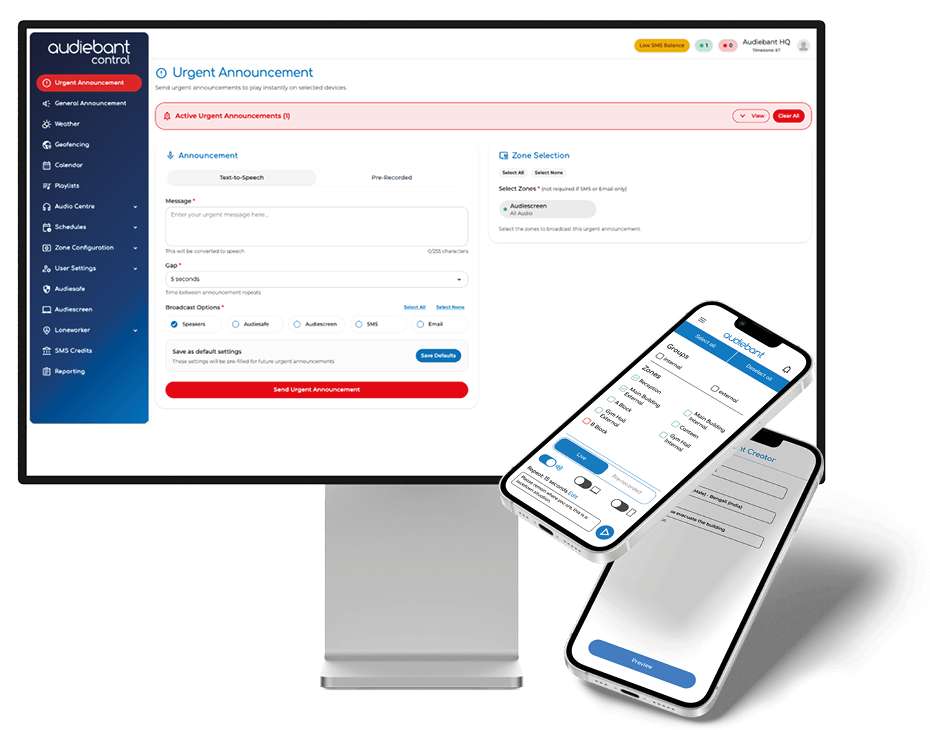
Easy control using our web portal and app.
Once installed, zones and message priorities are configured through the control portal. Live or scheduled announcements can then be broadcast instantly or at specific times.
In an emergency, pre-configured alerts or live announcements can override all content, ensuring urgent messaging is delivered without delay. System diagnostics and audit logs provide transparency and peace of mind.
Don't just take our word for it.
Audiebant is an award winning system in multiple categories.

Regional Breakthrough Winner
Spectator Innovator of the Year Awards 2024

Best Infrastructure Partner
Prolific North Tech Awards 2024